
Published January 28, 2026
Old Memories Don’t Show Up in Cloud Backups – Here’s Why
We've all been there. You're scrolling through your cloud backup, reliving cherished moments, and suddenly… a gap. Where are those photos from your childhood? The ones from your honeymoon? The precious snapshots of your kids when they were little? You might be thinking, "I backed everything up! Where did they go?" The frustrating truth is, while cloud backups are fantastic for modern digital photos and videos, they often fall short when it comes to preserving your older, physical photo collections. Let's dive into why those old memories are often missing and what you can do about it.
The Limitations of Cloud Backup for Physical Photos
The primary reason your old photos aren't showing up in your cloud backup is simple: **they're not digital.** Cloud services are designed to back up files that already exist in a digital format. Think of your phone's camera roll, the photos you've taken with your digital camera, or the videos you've recorded. These are all digital files that can be easily uploaded and stored in the cloud. However, your physical photo albums, shoeboxes full of prints, and slides are a different story.
Here's a breakdown of the key limitations:
- They're Physical: Cloud services can't directly access and back up physical photographs. You need to transform them into a digital format first.
- Scanning is Required: To get your old photos into the cloud, you must scan them. This can be a time-consuming and sometimes technically challenging process.
- Metadata Challenges: Cloud services often rely on metadata (information like date, location, and keywords) to organize your photos. Physical photos typically lack this metadata, making organization and searching more difficult after scanning.
- Storage Limitations: While cloud storage is relatively inexpensive, the sheer volume of photos in older collections can quickly consume your storage space, potentially leading to additional costs.
The Importance of Digitizing Your Old Photos
Despite the challenges, digitizing your old photos is incredibly important for several reasons:
- Preservation: Physical photos are vulnerable to damage from light, humidity, temperature fluctuations, and handling. Digitizing them creates a backup that can last for generations, safeguarding your precious memories.
- Accessibility: Once digitized, your photos are easily accessible on your computer, phone, or tablet. You can share them with family and friends, no matter their location.
- Organization: Digital photos can be easily organized, tagged, and searched. You can create albums, add captions, and quickly find specific photos.
- Sharing: Digital photos are easily shared on social media, via email, or through online photo-sharing platforms, allowing you to connect with loved ones and share your memories.
- Enhancement: Digital photos can be enhanced using photo editing software, allowing you to restore faded colors, remove blemishes, and improve overall image quality.
How to Get Your Old Photos into the Cloud
So, how do you bridge the gap between your physical photo collection and your cloud backup? Here are a few options:
- DIY Scanning: You can purchase a flatbed scanner or use a dedicated photo scanner to scan your prints, slides, and negatives. This is a cost-effective option, but it can be time-consuming, especially for large collections. You'll also need to learn how to use the scanning software and potentially edit the scanned images.
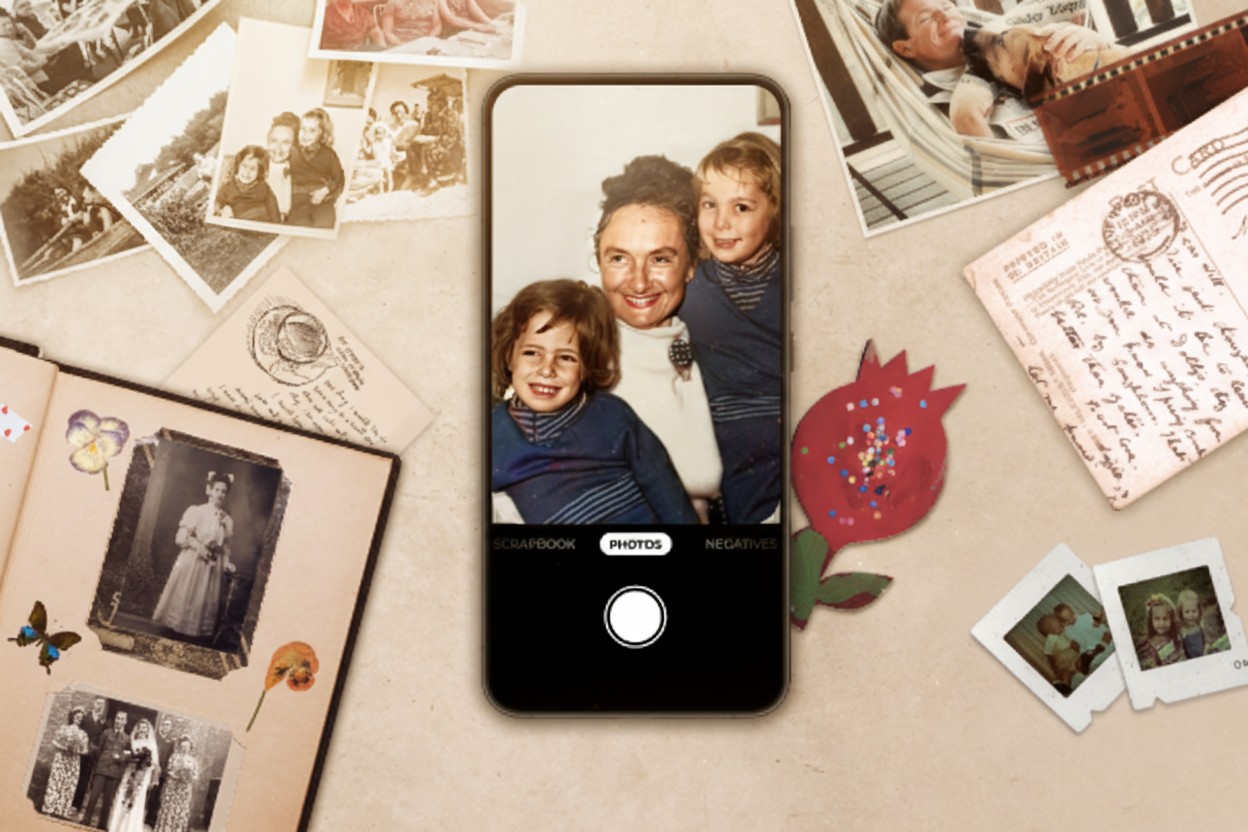
- Using Your Smartphone: Apps like Photomyne offer a convenient and efficient way to scan your photos using your smartphone's camera. These apps often include features like automatic cropping, color correction, and photo enhancement.
- Professional Scanning Services: Several companies offer professional photo scanning services. This is the most expensive option, but it can save you a significant amount of time and effort, especially for large collections. They often provide high-resolution scans and can handle various photo formats.
Regardless of the method you choose, here are some essential tips:
- Prepare Your Photos: Clean your photos gently with a soft cloth to remove dust and debris.
- Choose the Right Resolution: Scan your photos at a high enough resolution to preserve detail, but avoid scanning at excessively high resolutions that will consume a lot of storage space. 300 DPI is generally a good starting point.
- Organize as You Go: As you scan, organize your photos into folders or albums to make them easier to manage.
- Back Up Your Digital Files: Once you've digitized your photos, back them up to multiple locations, including your computer, an external hard drive, and your cloud backup service.
Photomyne: A Simple Solution for Digitizing Your Memories
Photomyne offers a user-friendly and efficient way to digitize your old photos using your smartphone. Our app utilizes advanced AI technology to automatically detect and crop photos, enhance colors, and organize your memories. It's a quick and easy way to bring your physical photo collection into the digital age, making them accessible, shareable, and safe in the cloud. Give it a try and start reliving those cherished moments today!